
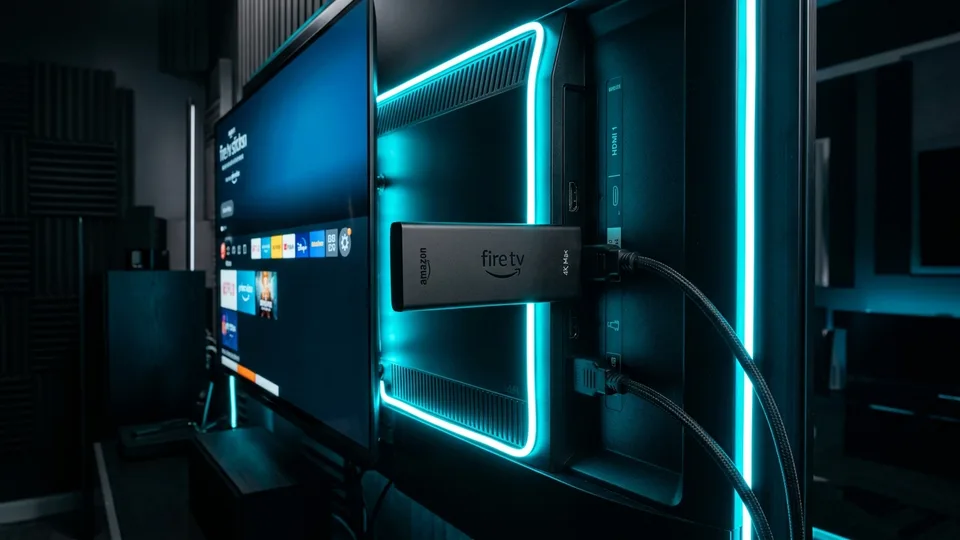
Amazon Fire TV Stick 4K Max and standard Firestick are the #1 recommended devices for Binge IPTV in North America. This guide takes under 5 minutes from start to finish using the official Downloader app and Xtream Codes API.
Step 1: Install the Free Downloader App
Because premium IPTV player apps are specialized video engines, you will install them through the official Downloader application developed by AFTVnews:
- Turn on your Amazon Firestick and navigate to Find → Search from the home screen.
- Type Downloader using the voice remote or on-screen keyboard.
- Select the orange Downloader icon from search results and click Get or Download.
- Wait for installation to finish, but do not open it just yet.
Step 2: Enable Installation of Unknown Apps in Fire OS
Fire OS requires you to grant installation permission to Downloader before installing external player apps:
- From the Firestick home screen, click the Settings gear icon on the far right.
- Select My Fire TV (or Device & Software on certain versions).
- Click Developer Options. (Note: If Developer Options is hidden on newer Fire OS updates, go to About → highlight your Fire TV Stick name → press the remote Select button 7 times rapidly to reveal Developer Options).
- Select Install Unknown Apps, find Downloader, and toggle it to ON.
Step 3: Download Your Preferred IPTV Player
Launch Downloader from your apps menu and enter one of our verified player short codes into the URL bar:
- TiviMate IPTV Player (Top Pick): Enter short code 272483 and click Go.
- IPTV Smarters Pro: Enter short code 78522 and click Go.
- Click Install when the download finishes, then click Done and delete the installation APK to save internal storage.
Step 4: Log In with Binge IPTV Credentials
Launch your installed player app and select Login with Xtream Codes API (or Add Playlist in TiviMate):
- Playlist Name: Binge IPTV
- Server URL: [Provided in your activation confirmation]
- Username: [Your account username]
- Password: [Your account password]
Click Add User. Within 15 seconds, all 28,000+ live stations and 154,000+ on-demand movies will automatically populate into categorized grids with full EPG schedules.
Test Binge IPTV on Your Firestick for 24 Hours
Get immediate credentials sent directly to your WhatsApp to test all 4K channels before subscribing.
Get Free 24H Firestick Trial →